

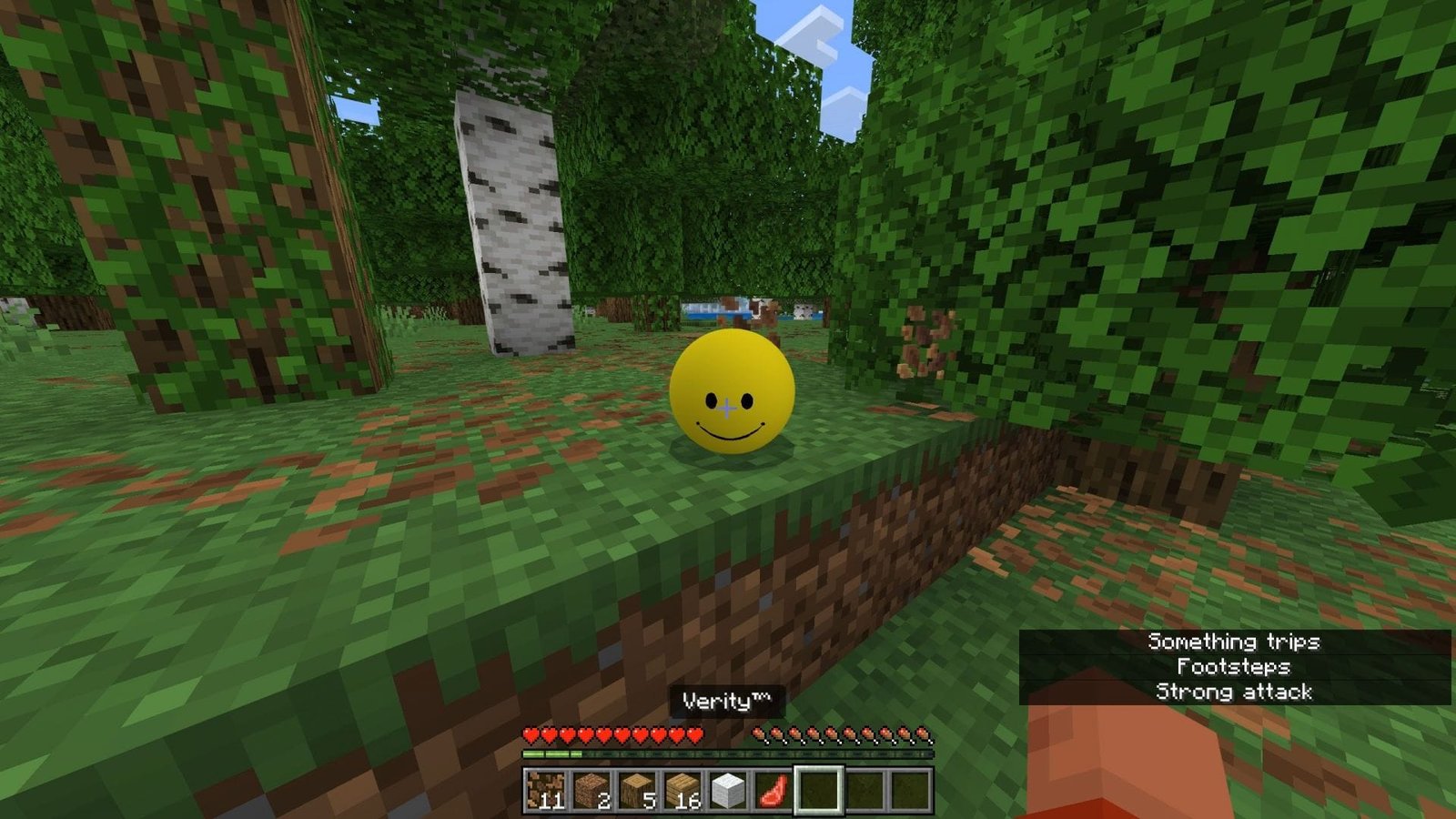

Recently, a modder created the Verity mod for Minecraft Bedrock Edition. Since it is for Bedrock, it officially comes under the add-on, which adds the all-knowing AI-like entity called Verity. At first, the entity will be a smiley ball and talk to you through in-game chat, but will gradually become creepier and eventually turn into a horrifying monster. It was inspired by the Verity ARG by the ThatMob YouTube channel.
Here are more details about the Verity mod made for Minecraft Bedrock Edition.
History, features, and download guide for Verity mod for Minecraft Bedrock
Brief history of the original Verity ARG
Back in May 2026, YouTuber named ThatMob released a video about the mod, which is actually a horror ARG. The story was about receiving the mysterious mod from an anonymous person, which contained a talking smiley ball that knew everything, both about the real and the Minecraft world. As days went by, however, the entity became creepier and weirder, not listening to the player and playing different sounds.
At the end, Verity evolves and looks like a Cave Dweller entity, with a long and thin body, arms, and legs. Since the entity knows everything, as claimed before, it will know exactly where the player is at all times and will hunt them down.
Features and how to play Verity mod for Minecraft Bedrock
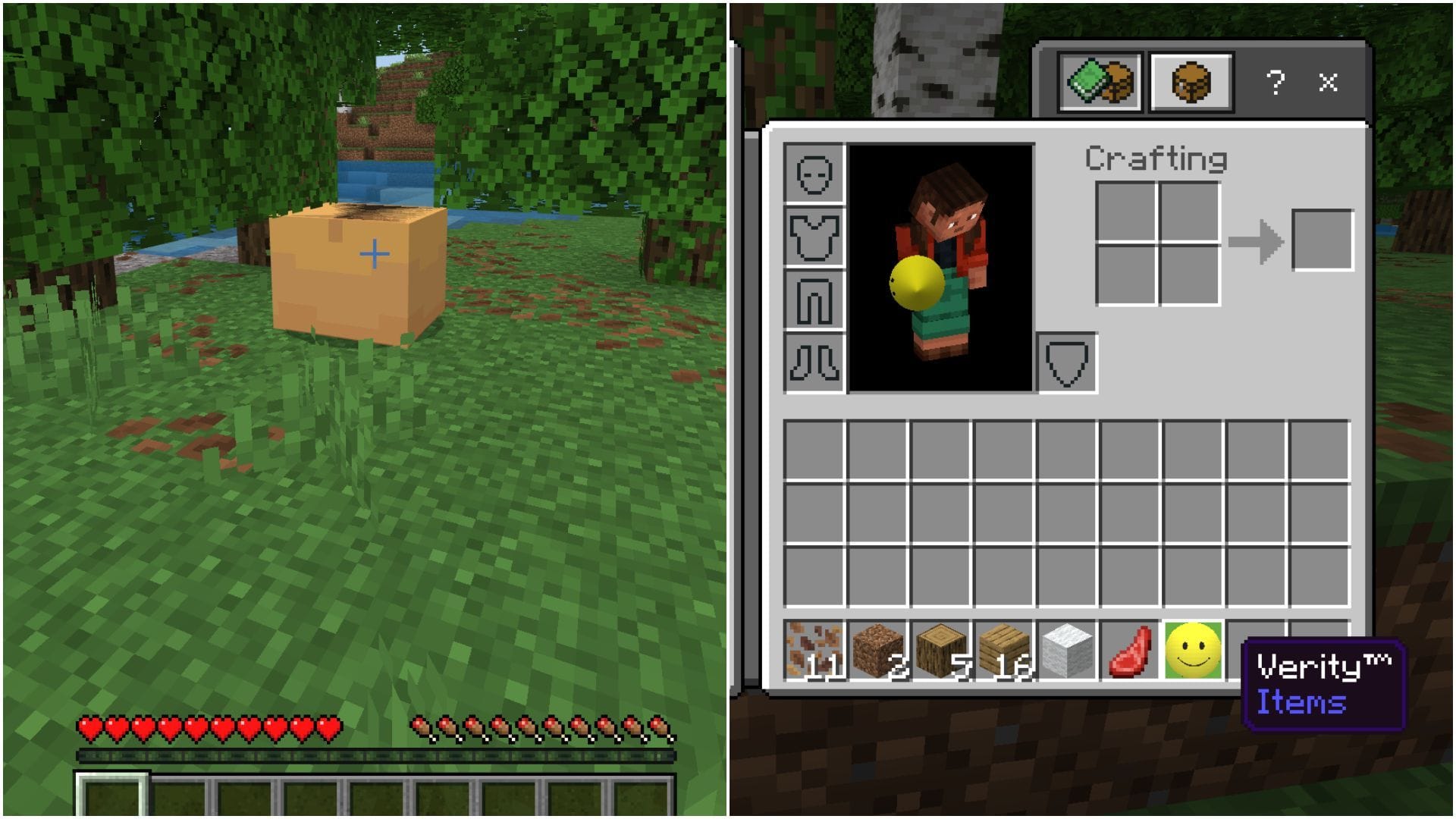
After the Minecraft ARG on YouTube, a modder named Undertaletalelover created the Verity mod for Minecraft Bedrock as an add-on. This spawns the entity just like in the video. It will pop out of the box, but can only be talked to through in-game chat.
It can either be placed in the world or in the inventory as an item. Since the add-on is in the beta stage, its answers will not be as accurate as the original entity shown in ARG.
When chatting to it, it might not respond to your questions about real life correctly, but it has decent knowledge about in-game features. After a few in-game days, its face will change and become creepier, just like in the original ARG.
In conclusion, it is a fun add-on worth trying, especially if you have been fascinated by the Verity ARG on YouTube.
How to download and install Verity mod for Minecraft Bedrock
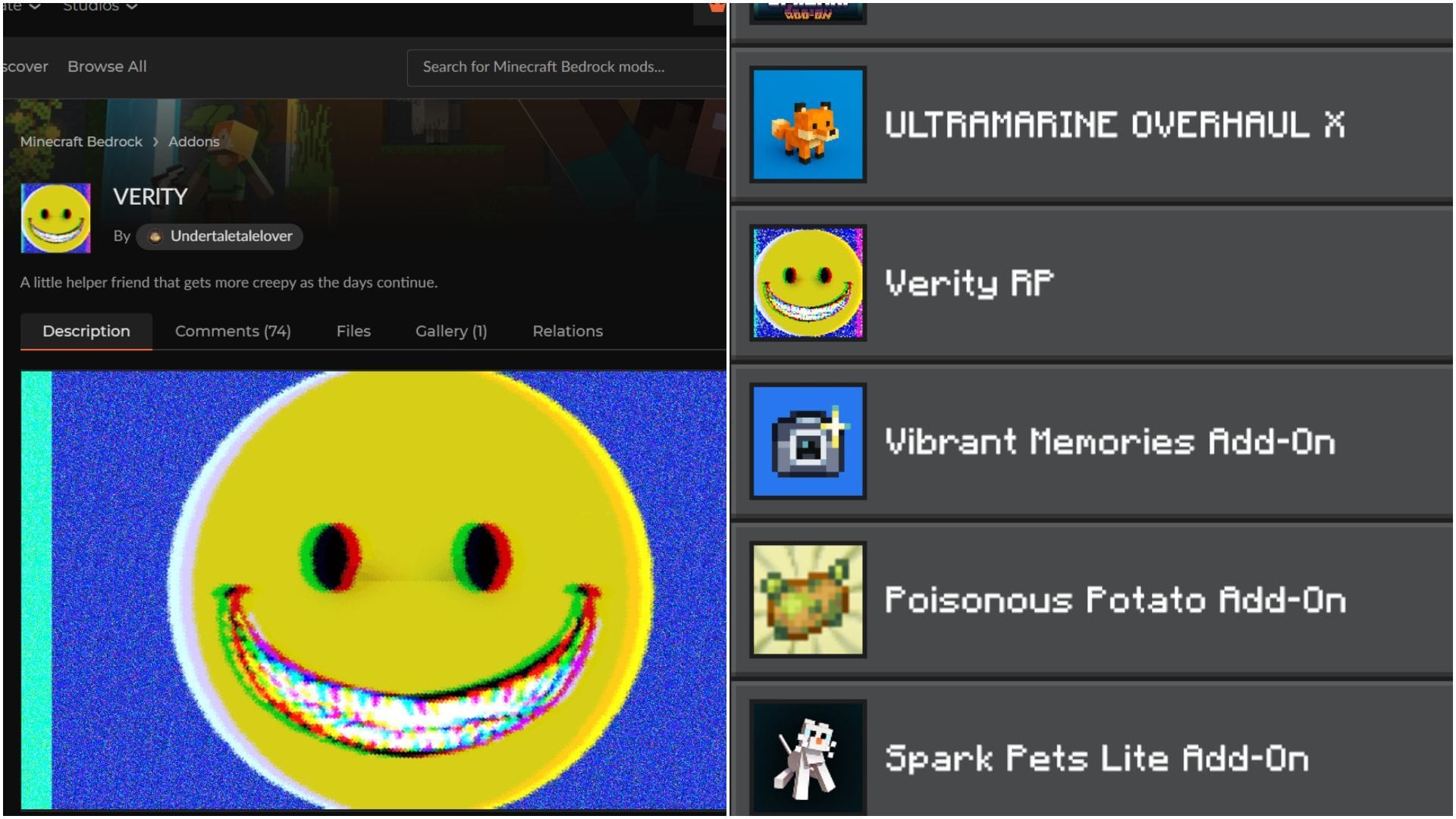
Here is a guide on downloading and activating the Verity mod for Minecraft Bedrock Edition correctly:
- Download the Verity mod from the CurseForge website.
- Double-click on the .mcaddon file that is downloaded. Windows can ask you to select an application to run the file, where you should choose Minecraft Bedrock.
- Once the game opens, the mod/addon will automatically get installed.
- Head to “Settings” and “Global Resources”.
- Open the “My Packs” drop-down menu and activate Verity.
- Create a new world and head to “Resource Packs”. There, you need to activate Verity from the “Available” section.
- Make sure to go to the “Experiments” section to enable “Beta APIs”, which is essential for the mod to work.
- Create the new world with these settings and enjoy the mod.
Check out our latest articles:
Edited by Akshat Kabra