

3 min readNew DelhiUpdated: May 20, 2026 11:54 AM IST
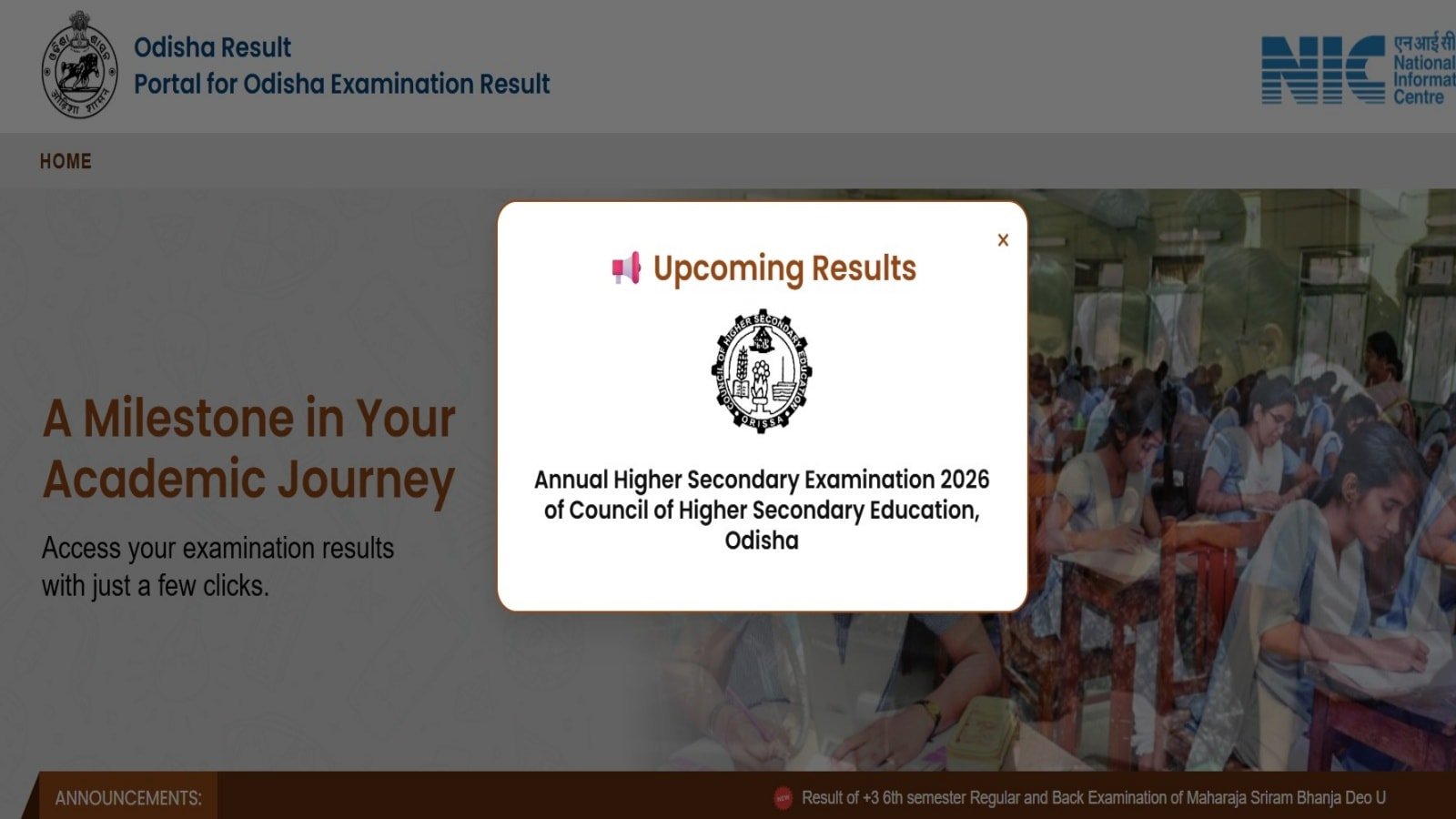
CHSE Odisha class 12 results 2026: The Council of Higher Secondary Education (CHSE) Odisha will announce the results for the class 12 examination today. The result will be announced on their official website – chseodisha.nic.in and results.odisha.gov.in. Additionally, students can check more information about pass percentages and toppers on the CHSE 12th result on the IE Education portal. Students will also be able to check and download the CHSE results at DigiLocker.
CHSE Odisha 12 Result 2026| Catch LIVE Updates here
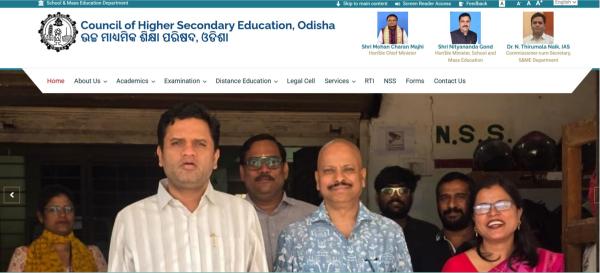 Homepage of CHSE Odisha (screengrab from website)

To download the result for the Odisha class 12 exam, students have to visit the official link of CHSE Odisha, then click on results. Then click on the link that appears on a new screen. Then enter all the details as required and click on submit. The result will appear on your screen. Download and save it for future reference.
Also read | CHSE Odisha +2 Results: Steps to check Science, Commerce, Arts results
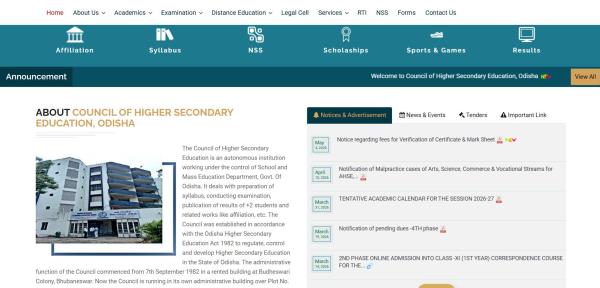 Option of result on the CHSE Odisha homepage (screengrab from official website)
The class 12 examination was held between February 18 and March 21, with a span of 31 days or 1 month. This year, around 2.56 lakh students appeared for arts, 1.14 lakh students in science, 24,621 students in commerce and 5, 932 students in vocational studies, according to the controller of examinations Prasad Kumar Parida.
Also read | CHSE Odisha +2 Results: Steps to check Science, Commerce, Arts results
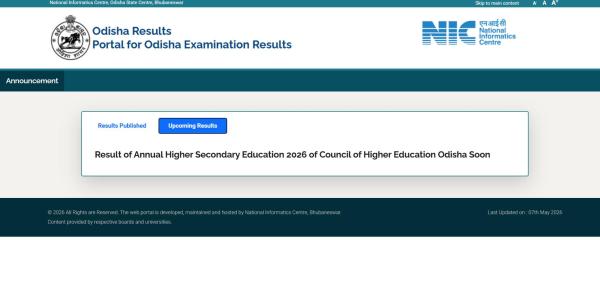 The result page for CHSE Odisha (screengrab from official website)
Students must take note of the fact that the results available online are provisional. The original marksheet will be provided by their respective schools. In case their is any discrepancies in the results, students should contact their school authorities at the latest, as they will need this result during their undergraduate college admission process.
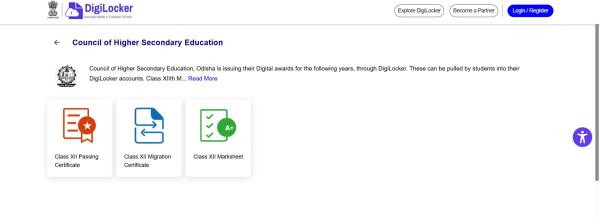 The CHSE Odisha results are available in Digilocker also (screengrab from website).
The results can be accessed at Digilocker too. To download the class 12 results of CHSE Odisha, go to digilocker.gov.in or to their mobile application. Then log in using your registered mobile number, after that go to the ‘Education and Learning’ section, then search for Council of Higher Secondary Education, Odisha. Next, click on class 12 results and enter the details as required. Digilocker will search the result, and it will automatically be available in the section of issued documents.