





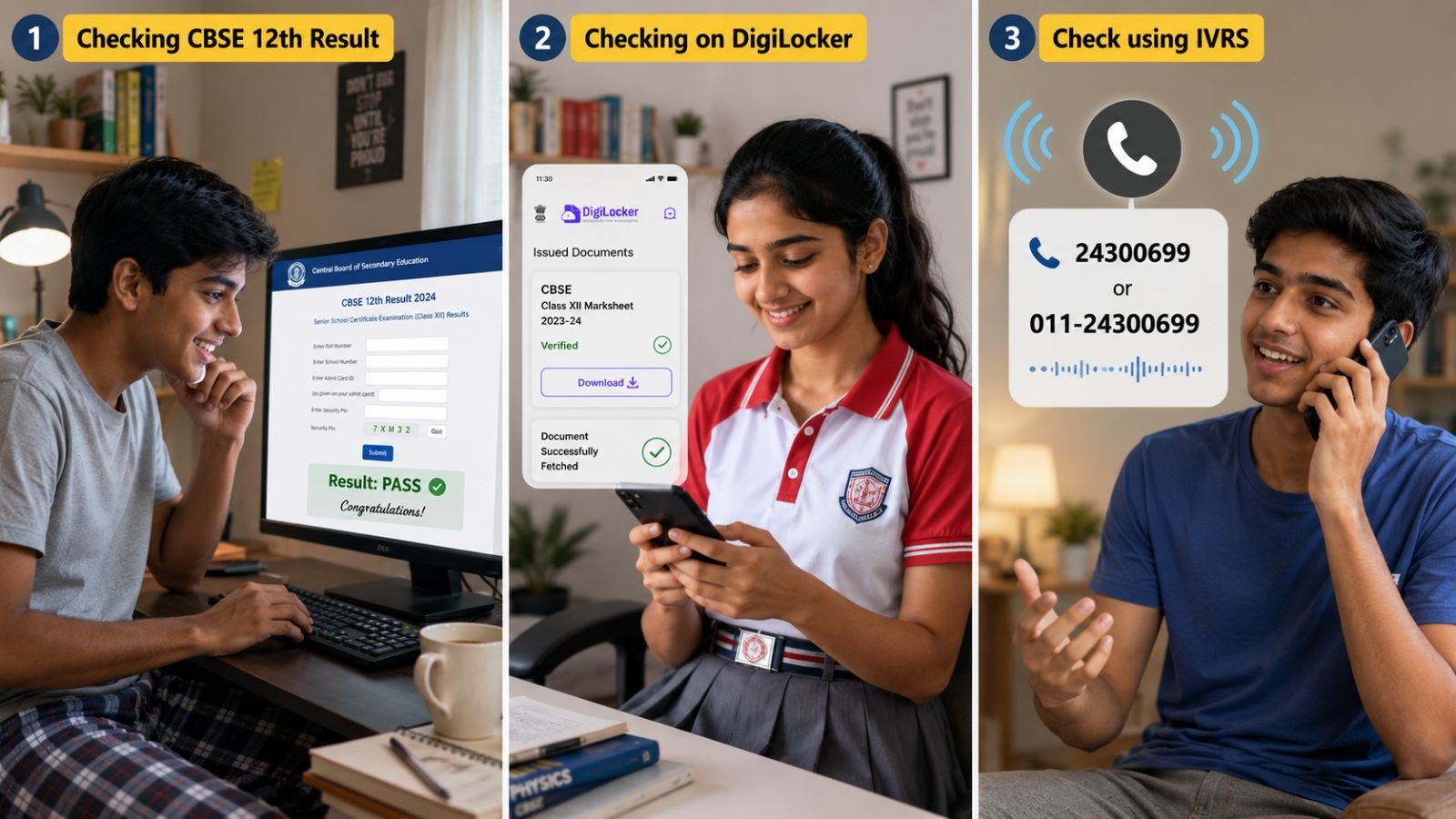
CBSE class 12 results 2026: The Central Board of Secondary Education (CBSE) declared the Class 12 results for the 2026 board examinations on May 13. The students who appeared for CBSE’s AISSCE (12th) exams can access their scorecards through the official website of the CBSE board and its related result portals at cbse.gov.in, cbseresults.nic.in, results.cbse.nic.in.
Apart from the websites, the board will also make digital marksheets available through DigiLocker and the UMANG app. Students may also access results through the IVRS (Interactive Voice Response System) facility. For more information on CBSE results, supplementary exam schedule, and rechecking, click here.
CBSE 12th Result 2026: How to check at cbseresults.nic.in, results.cbse.nic.in
Students can follow the step-by-step guide below to access their CBSE Class 12 results online through the official websites
Step 1: Visit the official websites through cbse.gov.in, or cbseresults.nic.in
Step 2: Click on the link that reads ‘CBSE Class 12 Result 2026’ or ‘Senior School Certificate Examination (Class XII) Results 2026’
Step 3: Enter the required login credentials including roll number, school number, admit card ID, and date of birth
Step 4: Click on the ‘Submit’ or ‘View Result’ button
Step 5: The CBSE Class 12 result 2026 will appear on the screen
Story continues below this ad
Step 6: Download and save the provisional marksheet for future reference

CBSE also provides digitally verified marksheets, migration certificates, and passing certificates through DigiLocker. Here’s how students can access them.
CBSE 12th Result 2026: How to check results on DigiLocker
Step 1: Visit DigiLocker portal or open the DigiLocker mobile app
Step 2: Sign in using your registered mobile number or Aadhaar-linked credentials
Step 3: Navigate to the “Education” or “Issued Documents” section
Story continues below this ad
Step 4: Select Central Board of Secondary Education from the list of boards
Step 5: Click on “CBSE Class XII Marksheet 2026”
Step 6: Enter details such as roll number, school number, and admit card ID
Step 7: Submit the information to access and download the digital marksheet

What is IVRS and how to check CBSE results through it?
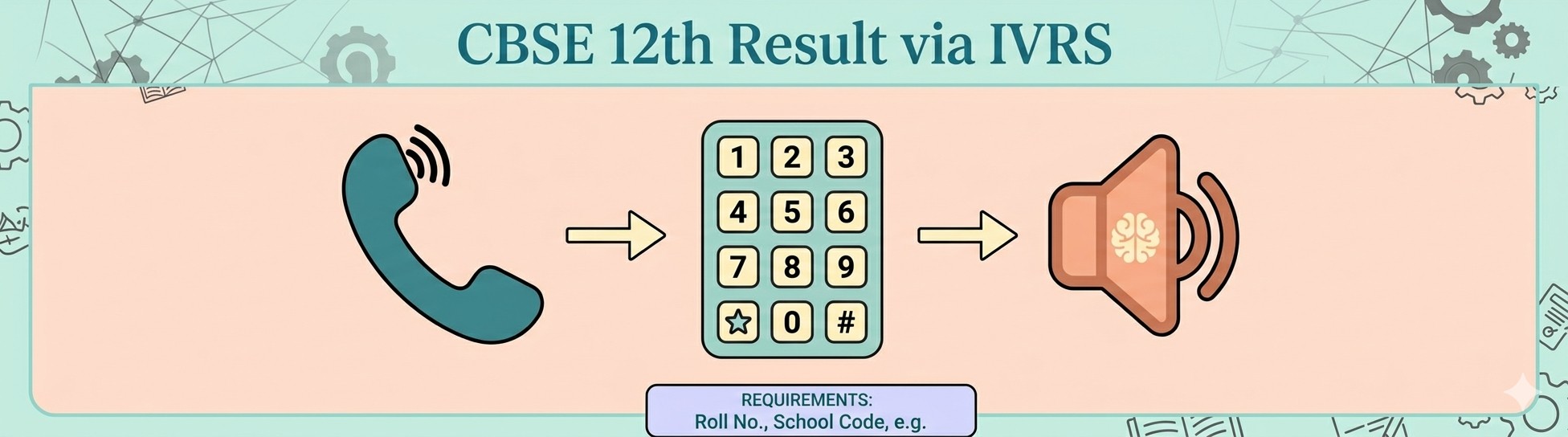
IVRS, or Interactive Voice Response System, allows students to receive their board examination results through a phone call service. This facility is especially useful during heavy website traffic or internet issues. Students can check their CBSE Class 12 results through IVRS by following these steps —
Story continues below this ad
Step 1: Dial the designated CBSE IVRS number for your region activated by the board. Or alternately check for the number ‘011‑24300699’.
Step 2: Follow the automated voice instructions carefully
Step 3: Enter your roll number and other required details using the phone keypad
Step 4: The system will announce your subject-wise marks and result status over the call
Students are advised to keep their admit cards ready before using the IVRS service.

Story continues below this ad
How to check CBSE Class 12 Result 2026 on UMANG app
The UMANG app also allows students to access their results and digital academic documents in one place.
Step 1: Download the UMANG App from Google Play Store or Apple App Store
Step 2: Register using your mobile number and create an account if you are a new user
Step 3: Log in and search for “CBSE” in the services section
Step 4: Select “CBSE Class 12 Result 2026”
Step 5: Enter your roll number and other required credentials
Step 6: Submit the details to view your result
Step 7: Download and save the marksheet for future use
Story continues below this ad
After the declaration of results, respective schools will distribute the original hard-copy marksheets and certificates to students in due course. Students are advised to preserve both digital and physical copies carefully for future admission, scholarship, and employment-related purposes.
Author


